











The Pigabet app is the Android version of the betting platform, built for players in Tanzania who prefer to place bets from a phone rather than a desktop browser. It packs the sportsbook, live markets, account tools and casino lobby into one installed application, so you skip loading a full website every time you want to check a football coupon.
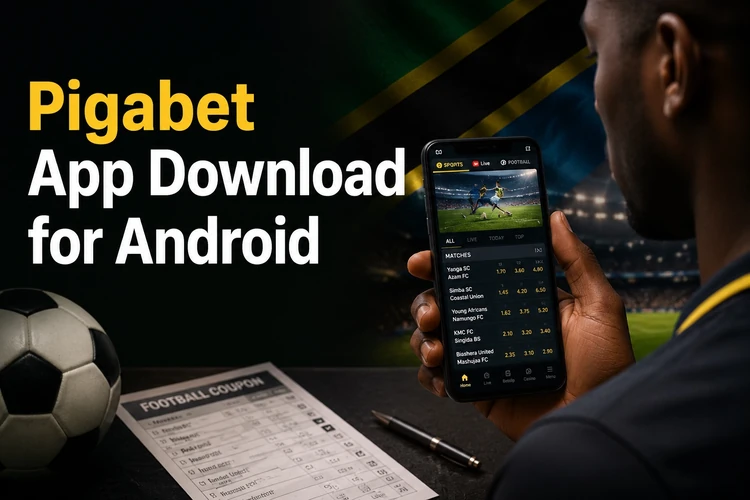
Most people install it for two practical reasons: speed and data use. An installed app keeps interface files on the device, so only odds and results travel over the network. On a 3G or patchy 4G connection in Dar es Salaam or upcountry, that difference is noticeable. After installation you can log in, browse pre-match and live events, follow your open bets, and reach the casino section without switching apps.
Pigabet App Overview
The application is an Android sportsbook client. It mirrors the structure of the mobile site - sports list on one side, event coupon in the middle, bet slip reachable from the bottom of the screen - but navigation stays inside the app shell instead of reloading pages. Football sits at the top of the list, followed by basketball, tennis, volleyball and the other markets the sportsbook offers.
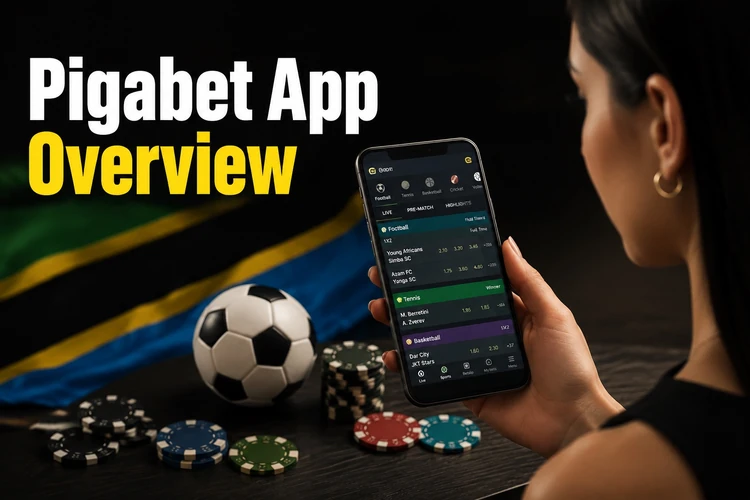
Compatibility is broad rather than demanding. Any reasonably modern Android phone with a few hundred megabytes of free storage and a stable connection will run it. Older devices with limited RAM may take longer to open the live section, because live odds refresh constantly. Signing in uses the same credentials as the website, so an account created in a browser works in the app immediately, and you can still log in to your account from a desktop whenever that is more convenient.
How to Download the Pigabet App
Android betting applications are generally not distributed through the Play Store, because Google restricts real-money gambling apps in many markets. That means the installer comes as an APK file from the operator's own site rather than from a store listing. Always start from the official website and follow the mobile app link there - this is the single point that matters most for safety.
Before you download, do a little housekeeping. Check that you have free storage, connect to a stable network so the file does not arrive incomplete, and make sure the battery is not about to die mid-install. If your phone has an older build of the app already installed, note the version number so you can confirm the update actually applied. Avoid file-sharing groups, forums and third-party mirror directories: an APK from those places can be repackaged with anything.
Installing the Pigabet APK
Installation takes a couple of minutes. Android will ask for one extra permission along the way, because the file did not come from a store, and that prompt is normal for any APK.
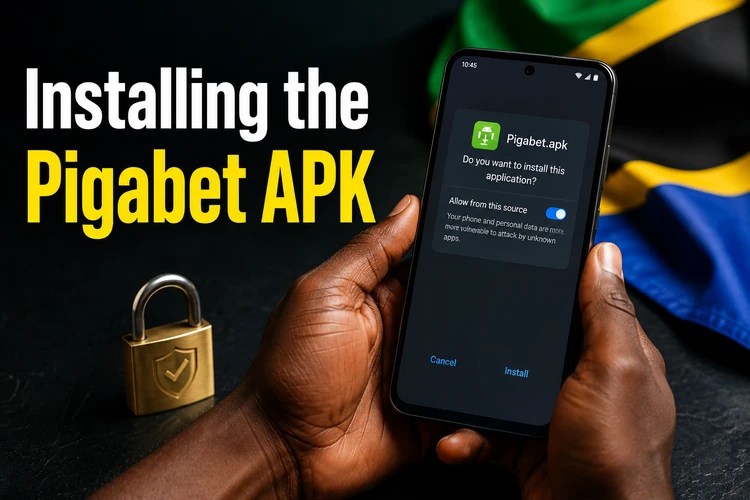
Work through the steps in order and do not cancel the security dialog - if you dismiss it, the installer simply stops without an error message.
- Step 1: Download the APK file from the official site and wait until the transfer finishes completely.
- Step 2: Open your notification shade or the Downloads folder and tap the file.
- Step 3: When Android warns that installs from this source are blocked, open settings from the prompt and allow installation for your browser or file manager.
- Step 4: Return to the file, tap Install, and let the process finish.
- Step 5: Open the app from your home screen or app drawer.
- Step 6: Sign in with your existing account details, or register if you are new.
Once installation completes, it is good practice to switch the unknown-sources permission back off. Keeping it enabled permanently leaves the door open for anything else you might tap by accident.
Updating the Application
Because the app is not managed by a store, updates are not automatic. New builds usually bring fixes for crashes, adjusted market layouts, support for newer Android versions, and improvements to how quickly live odds refresh. Running an old build for months is the most common reason people see blank sections or failed logins.
Updating works the same way as the first install: download the current APK from the official site and open it. Android recognises the existing package and offers to update rather than install fresh, so your saved login and preferences stay in place. If the update fails with a signature or parse error, the usual causes are an incomplete download or a file from a different source. Delete the file, clear a little storage, download again on a stable connection, and retry. Only remove and reinstall the app as a last resort, and make sure you know your account credentials before you do.
Mobile Betting Features
Pre-match betting covers the standard set of markets: match result, over/under totals, handicaps, both teams to score and correct score on bigger fixtures. Live betting sits in its own section with odds that move as the match develops, plus a running score and match clock. Single bets and multiples are built in the same slip, and the potential return updates as you add or remove selections.
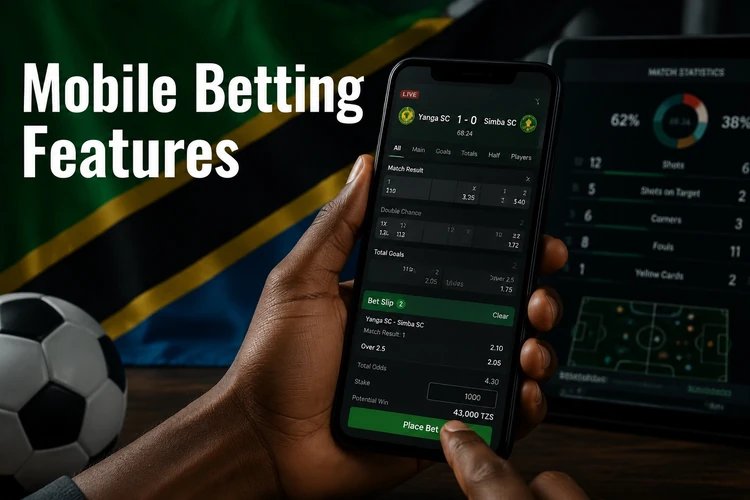
Day-to-day account handling is all inside the app. Search lets you jump straight to a team or competition instead of scrolling the sports tree. Bet history shows settled and open tickets with stake, odds and status, which is the fastest way to check whether a selection has been graded. Push notifications can flag results and important account events, and the profile area is where you manage details, deposits and withdrawals. Betting is for adults only - 18+ - and the responsible gambling tools are worth setting up before you place your first bet, not after.
Pigabet Casino and Poker Sections
The casino lobby is reachable from the app's main menu. It groups slots, table games such as roulette and blackjack, live dealer tables streamed with real croupiers, and any jackpot titles currently offered. Game tiles are sized for a phone screen and most titles run in portrait, so you can spin without rotating the device. Live dealer tables need more bandwidth than slots, since they carry video.
Availability of individual games and of a dedicated poker room varies over time, and sections are added or removed as licensing and supplier agreements change. Rather than assume, open the menu in the current build of the app and see what is listed - that is the only accurate answer. If something you expect is missing, the support team can confirm whether it is unavailable in Tanzania or simply moved; you can reach them through the contact page.
FAQ
Open the official website on your Android phone and follow the mobile app link to the APK file. The installer is not distributed through the Play Store, so the operator's own site is the correct source. Wait for the download to finish completely before opening the file.
Most modern Android devices will run it, provided you have some free storage and a working internet connection. Very old phones with little RAM may struggle with the live betting section, which refreshes odds constantly. iPhone users generally need to use the mobile site in Safari instead.
Yes, downloading and installing the application costs nothing. You only spend money when you deposit into your betting account and place bets. Keep in mind that the download itself uses mobile data if you are not on Wi-Fi.
It is safe as long as the file comes from the official site and not from a forum, chat group or third-party mirror directory. Android will warn you before installing from an unknown source, which is expected behaviour for any APK. Switch that permission back off once installation is complete.
Download the latest APK from the official site and open it. Android detects the existing installation and updates it in place, so your login details and settings are preserved. If you see a parse or signature error, delete the file and download it again on a stable connection.
Yes. Odds, live scores, deposits and bet settlement all require a live connection, so nothing works offline. A stable 4G signal or Wi-Fi gives the smoothest experience, especially for live dealer casino tables that stream video.