











Accessing your betting account on Pigabet lets you review your balance, bets, transaction history, and profile settings in one place. Whether you already have an account or are preparing to create one, this page explains the login process, registration steps, and practical solutions for access problems. Users in Tanzania can use a compatible browser and a stable internet connection to reach the service.
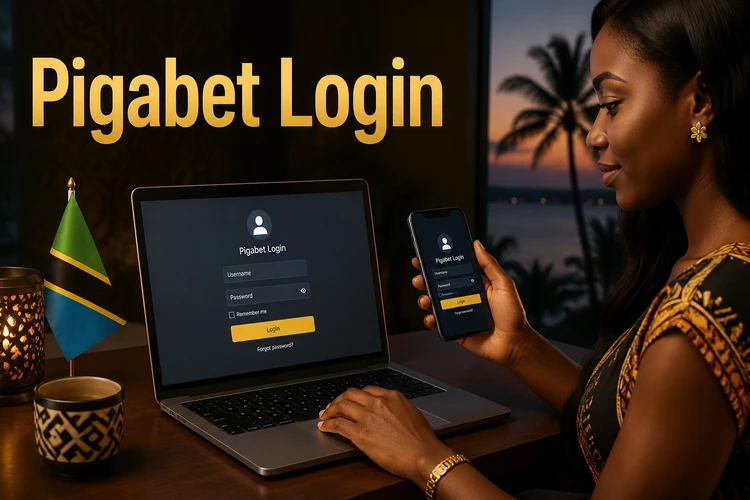
A registered profile may be needed before account features can be used. Keep the phone number connected to the profile active, because it can be useful for verification or password recovery. Never share your password or a one-time code with another person, including someone claiming to offer technical help.
Steps to Log In to Pigabet
Start by opening the website in a browser and finding the login area. Use the phone number or username associated with your profile, then enter the password exactly as it was created. Check the keyboard language and capital letters before submitting the form.
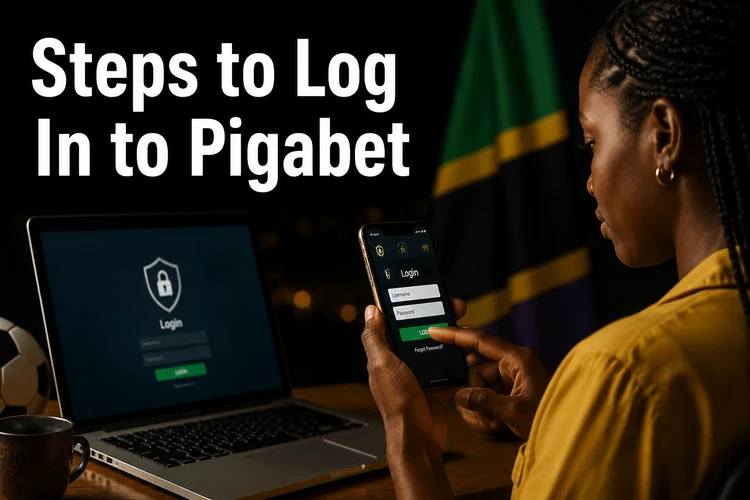
Submit the form once the details are correct. If the credentials match, the account area should open and you can check the information available there. Take a moment to confirm that the page is genuine before entering any sensitive data. Avoid logging in through links sent by unknown contacts.
When using a shared computer, do not select a setting that remembers the password. Log out when finished and close the browser window. On a personal device, a screen lock and updated operating system provide an additional layer of protection. If the page appears incomplete, do not repeatedly submit the form; first check the connection and reload it.
How to Register a New Account
New users must complete the registration form before they can access a betting profile. The draft form may request a phone number, name, date of birth, and a password. Enter accurate information and use a phone number that you control. Incorrect details can make later verification or account recovery more difficult.
After submitting the form, a confirmation code may be sent by SMS. Enter the code on the verification screen if requested, then follow the on-screen instructions. Keep the message private and do not forward it. If the code does not arrive, check the phone signal, wait briefly, and request another code only when the page permits it.
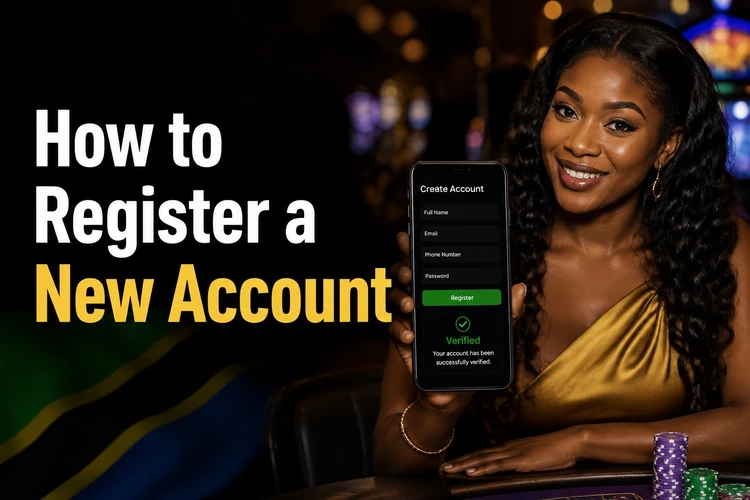
Once the profile is verified, review the account details and security settings before using it. Registration itself does not guarantee that every feature is available without additional checks. Read any displayed conditions, age requirements, and transaction instructions. Use only funds you can afford to lose and set personal limits before placing bets.
Jinsi ya Kujiunga na Pigabet
Kujiunga na Pigabet huanza kwa kufungua tovuti kwenye simu au kompyuta, kisha kuchagua sehemu ya usajili. Jaza namba ya simu, jina, tarehe ya kuzaliwa, na password kwa usahihi. Tumia namba ambayo iko mikononi mwako kwa sababu inaweza kuhitajika wakati wa uthibitisho.
Baada ya kutuma fomu, unaweza kupokea SMS yenye nambari ya uthibitisho. Weka nambari hiyo kwenye ukurasa unaoonyeshwa na uhifadhi taarifa zako kwa usalama. Ukikosa ujumbe, angalia mtandao wa simu na usiombe misimbo mingi mfululizo. Baada ya akaunti kuthibitishwa, unaweza kujaribu kuingia kwa kutumia taarifa ulizoweka.
Login on Mobile Devices
Pigabet can be accessed from a smartphone or tablet through a current mobile browser such as Chrome, Safari, or Firefox. Open the website directly, wait for the page to load, and enter the phone number or username and password in the login fields. A reliable mobile data connection or trusted Wi-Fi network helps prevent interrupted requests.
The mobile layout may place buttons and fields differently from the desktop view, so scroll carefully if a control is not immediately visible. Avoid using public Wi-Fi for account access, especially when entering a password. Set a screen lock, keep the browser and operating system updated, and remove stored login data if other people use the phone.
Troubleshooting Login Problems
If access fails, recheck the phone number or username and make sure the password is entered with the correct capital letters. Do not guess repeatedly, as several unsuccessful attempts may trigger a temporary restriction. Instead, pause and review whether the correct account details are being used.

For a forgotten password, use the recovery option shown on the login page and follow the verification instructions. Keep access to the registered phone available, and create a new password that is not reused on another service. If the recovery message does not arrive, confirm the number, check signal strength, and wait before trying again.
A slow or blank page may be caused by an unstable connection, an outdated browser, or stored cache data. Refresh the page, try another trusted network, or clear the browser cache and cookies. If the problem continues, record the exact message and contact customer support. Do not send your password or verification code; support should only need information necessary to identify the account.
Before making a deposit or placing a bet, check the available responsible-gambling information and decide how much time and money you will dedicate. If betting stops being enjoyable or begins affecting essential spending, take a break and seek appropriate help. Account security and responsible use are part of maintaining reliable access.
FAQ
Open the website, choose the registration option, and complete the requested fields with accurate information. If an SMS confirmation code is requested, enter it on the verification screen before attempting to log in.
You can try to access the same profile from a phone, tablet, or computer using a browser. Log out on shared devices and avoid saving the password where another person could view it.
Use the password recovery option on the login page and follow the instructions sent to the registered phone number. Create a unique replacement password and keep it private.
Yes. Open the website in a current browser on an Android or iOS phone, then enter the credentials connected to your account. A stable connection can help the page load correctly.
Creating a profile does not require a registration fee according to the information in this guide. Review any transaction terms shown on the site before depositing funds.
The form can be completed quickly when your details and phone are ready. The final time depends on whether verification is required and whether the SMS arrives promptly.